CLICK HERE TO ENTER IG USERNAME AND DOWNLOAD PUBLIC OR PRIVATE INSTAGRAM POSTS
The digital landscape of social media is built on the pillars of sharing and privacy. Instagram, a leader in visual storytelling, provides users with robust privacy settings to control who views their content. However, there are instances where users need to access or archive content from profiles they cannot immediately view. Whether it is for research, data recovery, or personal archiving, the demand to download posts from instagram private account profiles has led to the development of specialized tools like DFViewer ig private profile viewer.
In this professional guide, we will explore the technicalities of Instagram’s privacy barriers and provide a detailed walkthrough on how to use the DFViewer tool to manage private media content efficiently.
CLICK HERE TO ENTER IG USERNAME AND DOWNLOAD PUBLIC OR PRIVATE INSTAGRAM POSTS
CLICK HERE TO ENTER IG USERNAME AND DOWNLOAD PUBLIC OR PRIVATE INSTAGRAM POSTS
Instagram’s privacy architecture is designed to give users total control over their digital footprint. When an account is set to "Private," only approved followers can view posts, stories, and reels. For many, this creates a significant hurdle when they need to retrieve specific media for legitimate reasons.
Traditional methods of saving content, such as screenshots, often result in poor quality and are inefficient for large-scale data retrieval. This is where third-party specialized tools come into play. By utilizing advanced algorithms, these tools aim to bridge the gap between privacy restrictions and the need for data accessibility.
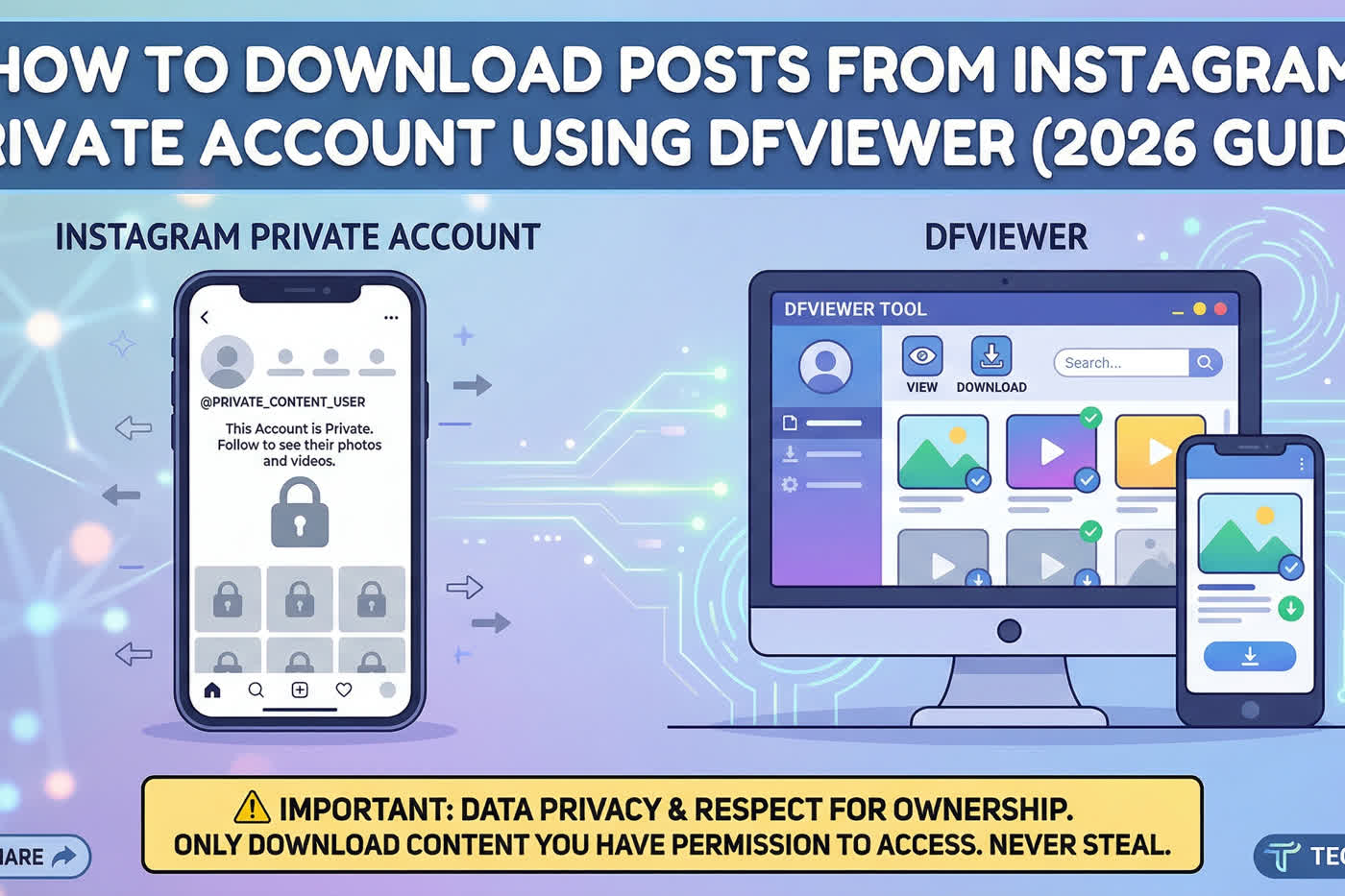
DFViewer is a web-based utility designed to assist users in navigating the complexities of Instagram's restricted content instagram story viewer private account. Specifically hosted at https://private-account-viewer-online.netlify.app/, this tool has gained traction for its streamlined interface and effectiveness.
Unlike many complex software installations that require administrative privileges, DFViewer operates directly within your browser. It serves as a middleman, allowing you to download posts from instagram private or public account settings without compromising your own device's security with unverified .exe files.
CLICK HERE TO ENTER IG USERNAME AND DOWNLOAD PUBLIC OR PRIVATE INSTAGRAM POSTS
There are several journalistic and professional reasons why one might seek to archive private media:
Legal and Investigative Research: Journalists often need to preserve evidence or social media posts that may be deleted or hidden during a developing story.
Digital Archiving: Individuals may need to recover photos from an old account they no longer have access to, which was previously set to private.
Content Analysis: Marketers and researchers often analyze private community trends to understand niche audience behaviors.
Regardless of the reason, it is paramount to approach these tools with a focus on ethical usage and respect for the original creator's intent.
CLICK HERE TO ENTER IG USERNAME AND DOWNLOAD PUBLIC OR PRIVATE INSTAGRAM POSTS
Using the DFViewer instagram++ private profile viewer tool is designed to be an intuitive process. If you are looking to download posts from instagram private account archives, follow these specific steps to ensure a successful retrieval.
Start by visiting the official tool page at https://private-account-viewer-online.netlify.app/. Ensure you are using a secure, updated web browser like Chrome, Firefox, or Safari to guarantee the best compatibility with the tool's scripts.
Locate the exact Instagram handle (username) of the private account you wish to access. Accuracy is critical here; even a small typo can lead the tool to a non-existent account or a different profile entirely.
On the homepage of the tool, you will find a dedicated input field. Enter the username—usually without the "@" symbol—and click the "View" or "Submit" button. The tool will then begin its process of scanning the Instagram database for the associated media.
In some cases, the tool may require a brief verification process to ensure the request is not coming from an automated bot. Once the account is indexed, you will be presented with a gallery of the available posts.
From the gallery view, you can select the specific images or videos you wish to save. Click the download button associated with the media. The file will then be saved to your local storage in its original resolution.
CLICK HERE TO ENTER IG USERNAME AND DOWNLOAD PUBLIC OR PRIVATE INSTAGRAM POSTS
When looking to download posts from instagram private account profiles, not all tools are created equal. DFViewer offers several features that make it a preferred choice for many:
No Password Required: The tool does not ask for your personal Instagram login credentials, which significantly reduces the risk of your own account being compromised.
High-Resolution Output: Unlike screen-capturing methods, DFViewer attempts to fetch the highest quality version of the media available on the servers.
Anonymity: The tool acts as a proxy, meaning the owner of the private account is not notified that their content is being viewed or downloaded.
User-Friendly Interface: The minimalist design ensures that even those with limited technical knowledge can navigate the process successfully.
CLICK HERE TO ENTER IG USERNAME AND DOWNLOAD PUBLIC OR PRIVATE INSTAGRAM POSTS
While the ability to download posts from instagram private account profiles is technically possible through tools like DFViewer, it is essential to discuss the ethical implications. As a journalistic standard, we must emphasize that:
Respect Privacy: Only use these tools if you have a legitimate or legal reason to access the content.
Do Not Redistribute: Content downloaded from private accounts should generally not be republished without the owner's consent, as this could violate copyright laws or terms of service.
Safety First: Always use a VPN when accessing third-party tools to ensure your IP address remains private and your connection is encrypted.
Sometimes, users may encounter difficulties when trying to download posts from instagram private account media. Here are a few common solutions:
Server Overload: If the tool takes a long time to load, the server might be experiencing high traffic. Wait a few minutes and refresh the page.
Incorrect Username: Double-check the spelling. Instagram handles often include underscores (_) or periods (.) that are easy to miss.
Browser Cache: If the site isn't functioning correctly, try clearing your browser cache or opening the tool in "Incognito" or "Private" mode.
CLICK HERE TO ENTER IG USERNAME AND DOWNLOAD PUBLIC OR PRIVATE INSTAGRAM POSTS
The ability to download posts from instagram private account profiles offers a powerful way to manage and archive digital content that would otherwise be inaccessible. By using the DFViewer tool at https://private-account-viewer-online.netlify.app/, users gain a streamlined, browser-based solution for media retrieval.
As the digital world continues to evolve, tools that provide data transparency and accessibility become increasingly valuable. However, users should always balance their technical capabilities with a strong sense of digital ethics and a respect for the privacy boundaries established by social media platforms. By following this guide, you can ensure that your media downloading process is both effective and secure.
CLICK HERE TO ENTER IG USERNAME AND DOWNLOAD PUBLIC OR PRIVATE INSTAGRAM POSTS